

How to Register for MSport Online in Nigeria
📲 Complete your MSport registration online with our step-by-step Nigerian guide. Get tips on documents, payments (₦), and how to fix common challenges fast!
Edited By
Funmi Adeyemi
If you're a Nigerian football fan or bettor, registering for MSport online is the quickest way to join Nigeria's popular sports betting platform. MSport offers access to live games, competitive odds, and a convenient way to place bets from your phone or laptop. Getting started online saves you the hassle of visiting physical outlets, which can be limiting especially in Lagos or Abuja rush hours.
Online registration on MSport also means you can fund your account instantly using popular Nigerian payment methods like bank transfer, USSD with your mobile bank app, or even digital wallets such as OPay or PalmPay. This flexibility is a big plus when compared to traditional ticket shops where cash dominates.

Most importantly, completing your registration online ensures you comply with Nigeria’s betting regulations through proper identification verification, like providing your National Identification Number (NIN). This step helps protect you from fraud and keeps your betting activities secure.
Tip: Have your BVN (Bank Verification Number) and NIN ready before starting registration to avoid delays.
Here’s a quick overview of what to expect when registering for MSport online:
A straightforward sign-up form asking for your basic details like full name, phone number, and email.
Proof of identity via NIN submission.
Choosing a secure password for your account.
Selection of preferred payment methods for deposits and withdrawals.
Taking some minutes right now to set up your MSport account online means you’re ready to enjoy all the betting markets and live contests MSport offers without delay. Next, we will break down the exact steps you need to follow, so you can complete your registration without running into common issues Nigerians face during online sign-up.
That said, understanding both the registration process and possible snags will put you ahead of many bettors who struggle with verification failures or payment glitches when registering late into ember months.
MSport has quickly become a popular platform among Nigerian sports enthusiasts, gamers, and bettors. Understanding what MSport offers and how its online registration works is essential for anyone looking to tap into its services efficiently and securely. This section explains what to expect and why registering online saves time and provides seamless access.
MSport presents a variety of options tailored for the Nigerian market. It blends traditional sports betting with live gaming and e-sports, making it versatile for different user preferences. For example, football fans can place bets on Nigerian Professional Football League matches and international games, all from their phones. Additionally, MSport offers real-time game updates and interactive features that enhance the user experience. This variety ensures users are not limited to one form of entertainment but can engage with multiple sports and gaming formats in one place.
Moreover, MSport incorporates secure payment options adapted for Nigerian users, including bank transfers, popular payment platforms like Paystack and Flutterwave, and even USSD payments for those without constant internet access. This flexibility improves transaction reliability, especially where network challenges might affect online betting.
Registering for MSport online avoids the traditional hassle of visiting physical offices or agents, which can be time-consuming and risky. Online registration lets users sign up anytime, anywhere, whether at home, on the bus, or even during a break at work. This is particularly useful in Nigeria, where internet penetration is growing but access can still be patchy in rural areas; once registered, users can explore MSport's offerings without repeated trips to an office.
The MSport online system also enhances security since users create accounts with personal verification steps like BVN (Bank Verification Number) linkage, reducing fraudulent activities. After registering, users receive immediate confirmation and can fund their accounts right away, unlike waiting days for a manual process. On top of that, the platform keeps user data encrypted and compliant with Nigerian cybersecurity standards.
Using the online registration system not only simplifies access but creates a smoother, safer entry point into the world of digital sports entertainment and betting in Nigeria.
In summary, knowing what MSport offers and benefiting from its online registration system makes it easier to enjoy sports betting and e-sports safely, conveniently, and on your own terms. The convenience and security aspects particularly stand out for Nigerians interacting with online platforms frequently affected by network or service inefficiencies.
Getting ready for MSport online registration saves you from unnecessary stress and errors. This preparation ensures that your registration goes through smoothly, avoiding delays that could spoil your gaming or betting plans.
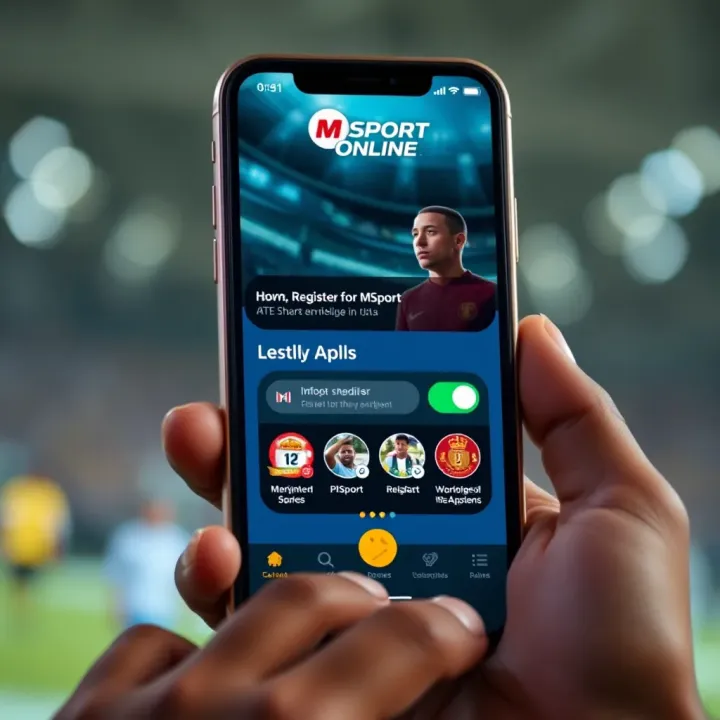
Before you start, gather the essential documents and information. Typically, MSport requires your valid identification, such as a Nigerian National Identity Number (NIN) or Driver’s Licence. Your phone number and email address must be active because MSport sends confirmations and updates through these channels.
It’s also wise to have your bank details handy for payment purposes. This includes your bank name, account number, and possibly your Bank Verification Number (BVN), which Nigerian banks require for transactions. If you plan to use a mobile money service, keep those details ready too.
Remember, accuracy here is key. One slip with your details can cause registration failure or problems when making deposits and withdrawals. In practice, if a user mistakenly enters a wrong phone number, they might not receive the OTP (One Time Password) needed to verify their account, halting the process.
A stable internet connection is critical for completing your MSport registration online. Spotty connections often cause form submissions to fail mid-way. You don’t need a fibre optic line, but a steady 3G or 4G network with consistent speed is advisable.
It’s best to register on a laptop or a smartphone with updated software and enough storage. Devices with outdated browsers often struggle with loading some parts of the MSport portal correctly. For example, trying to register on an old phone with a clunky browser might freeze the page or give error messages.
Besides, make sure your device has sufficient battery life or is connected to power. Registration steps, especially with multiple forms and payment pages, could take several minutes, and an unexpected shutdown can waste your time.
To avoid glitches, prepare your documents on one side and use a reliable device with a good internet connection on the other side before you start your MSport registration.
By checking these points beforehand, you’ll save time and reduce frustrations, making the process of registering with MSport as straightforward as possible.
Registering for MSport online is a straightforward process, but it demands attention to detail to avoid hiccups. This guide breaks down the steps clearly, so you can register hassle-free and start enjoying the platform’s features without delay. Many Nigerians prefer online registration because it's faster and more convenient than showing up physically, especially given how busy life can be in Lagos, Abuja, or other cities.
Begin by navigating to the official MSport registration website. Make sure you use the legitimate portal to avoid falling victim to scams or fake sites. You can easily spot the official portal by checking for secure connections (look for “https” in the URL) and verifying the site’s web address matches the one provided on MSport’s official social media pages or app.
Many people make the mistake of attempting registration on unofficial platforms, which leads to data breaches or failed registrations. So, it’s best to double-check before proceeding. If you’re unsure, you can also download the MSport app from trusted app stores like Google Play Store or Apple App Store, which will direct you safely to their registration section.
Once you’re on the portal, the next step is completing the registration form. Accuracy here is critical because any error can delay your registration or complicate account verification. Provide your full name as it appears on your valid identification document (such as your National Identification Number card – NIN), date of birth, phone number, and email address.
Avoid using nicknames or incomplete addresses. For example, instead of just “Lagos,” specify “Ikeja, Lagos State” to reduce confusion. If the form requests upload of documents like a passport photograph or identification, ensure that these images are clear and comply with stipulated size and format requirements. Double-check every field before submitting to nip mistakes in the bud.
The final step is making the payment to activate your MSport account. The platform generally offers multiple payment options, including USSD codes from Nigerian banks, bank transfers, or payments via fintech platforms such as Paystack or Flutterwave.
For instance, if you use the USSD method, dial the provided code on your phone, enter the payment details correctly, and confirm the transaction. Keep the receipt or transaction ID as proof of payment. After payment, the system sends a confirmation message or email within minutes to verify successful registration.
Always cross-check your payment and registration status; failure to confirm might mean you need to retrace your steps or contact MSport’s support team.
Following this systematic approach saves you time and reduces challenges related to online registration. Plus, it ensures that you’re ready to explore MSport’s offerings confidently, right from your home or office without needing to join any long queues.
While registering for MSport online in Nigeria offers convenience, users often face challenges that can stall the process. Identifying common problems and knowing how to solve them helps complete registration smoothly without unnecessary stress.
Many MSport users experience technical hiccups, usually due to unstable internet or device compatibility issues. For example, slow or intermittent connectivity can cause page timeouts during form submission. This might lead you to resubmit details repeatedly or lose entered information.
To avoid this, use a stable internet connection, preferably from a trusted provider like MTN or Airtel. If your network is unstable, try registering early in the day when traffic is lighter. Also, ensure your device’s browser is up to date and supports the MSport portal. Sometimes clearing your browser cache or switching to a different browser like Chrome or Firefox helps solve these glitches.
Payment issues are common during online registrations, often related to failed transactions or delayed verifications. For instance, you might attempt to pay via bank USSD or card, but the payment does not reflect immediately on the MSport system, leaving you uncertain if registration succeeded.
To reduce payment errors, double-check your account balance and internet banking limits before payment. If the transaction fails, avoid multiple attempts within a short time, as this can cause duplicate charges or account blocks. MSport usually sends a confirmation message or email once payment clears, so keep an eye on your inbox and SMS. If verification takes longer than expected, waiting a few hours before contacting support is advisable, as systems sometimes update slowly during peak periods.
When troubleshooting on your own doesn’t work, MSport’s customer support team is your next stop. They provide assistance through various channels including official email, helpline numbers, and social media platforms. For quicker resolution, prepare your registration details like reference number, payment receipt, and personal ID before reaching out.
MSport’s responsive support can clarify technical queries, confirm payment status, or guide you through re-registration steps if needed. Remember, contacting support via official channels reduces the risk of fraud or misinformation.
Facing challenges during online registration isn’t unusual, but tackling them early with the right strategies ensures you don’t miss out on MSport’s offerings.
By understanding these common issues and their practical solutions, you stand a better chance of completing your MSport online registration without hitches. Reliable internet, cautious payment handling, and knowing where to seek help make all the difference.
Registering for MSport online in Nigeria can be straightforward if you follow a few practical tips. These steps help you avoid common pitfalls, ensuring your registration goes smoothly and your information stays safe in the process. Whether you are a player, tech enthusiast, or compliance officer, these pointers matter.
Stable internet is essential when registering on MSport’s platform. A dropped connection or slow speed often interrupts submission, forcing you to repeat steps or face delays. Consider using a broadband service rather than relying on mobile data, especially if your area has patchy network coverage. Also, register using devices with updated browsers—computers or smartphones with the latest operating system versions reduce compatibility issues. For example, those registering on a tokunbo smartphone running outdated software often face site-loading troubles. Having a charged device and a backup power source such as a power bank is wise because Nigeria’s electricity supply can be unpredictable.
MSport registration requires sensitive details like your full name, contact information, and possibly payment data. Avoid completing these forms on public wifi networks, which hackers can exploit. Instead, use a secure, private network. Also, never share your login credentials or OTPs (One-Time Passwords) with anyone. If MSport sends an email or message asking you to verify personal info, double-check that it is from an official source to avoid falling victim to phishing scams. Always look for the padlock symbol on your browser’s address bar, indicating the site encrypts your data.
Once you submit your registration and payment, it’s important to verify that your registration was successful. MSport usually sends a confirmation email or SMS—take time to check your inbox carefully, including spam folders. Keep a screenshot or printout of the confirmation and payment receipts. If you're unsure about your status, revisit the official registration portal and use any tracking options available. Contacting MSport support early can prevent issues like double registrations or delays in account activation.
Following these tips not only saves you time but also protects your account from fraud and technical hiccups. Stay cautious and proactive throughout the registration process to enjoy a hassle-free experience with MSport online.
📲 Complete your MSport registration online with our step-by-step Nigerian guide. Get tips on documents, payments (₦), and how to fix common challenges fast!
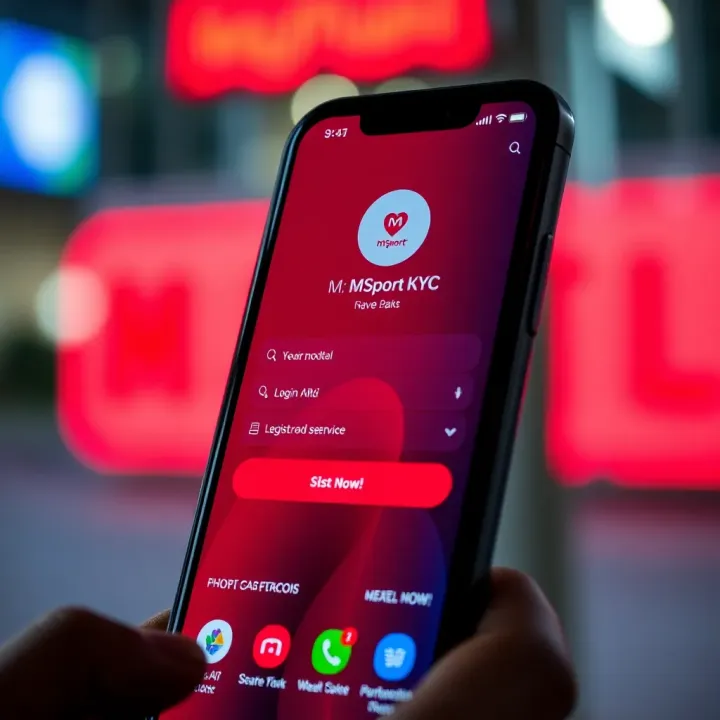
Learn how to register, complete KYC verification, and login to MSport in Nigeria securely 🔐. Tips to avoid delays and ensure smooth MSport access 🇳🇬.

📝Follow our clear guide to register and log in to MSport Aviator smoothly in Nigeria. Avoid common login glitches, boost account security, and get local support tips.
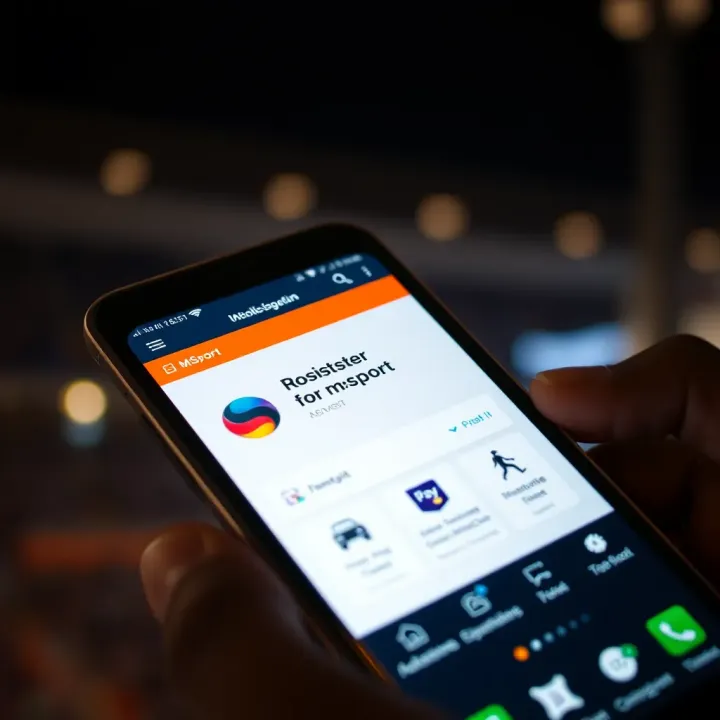
Get easy steps to register for mSport via SMS 📲. Learn required details, fix common issues, and enjoy quick sports updates straight to your phone in Nigeria ⚽️.
Based on 15 reviews